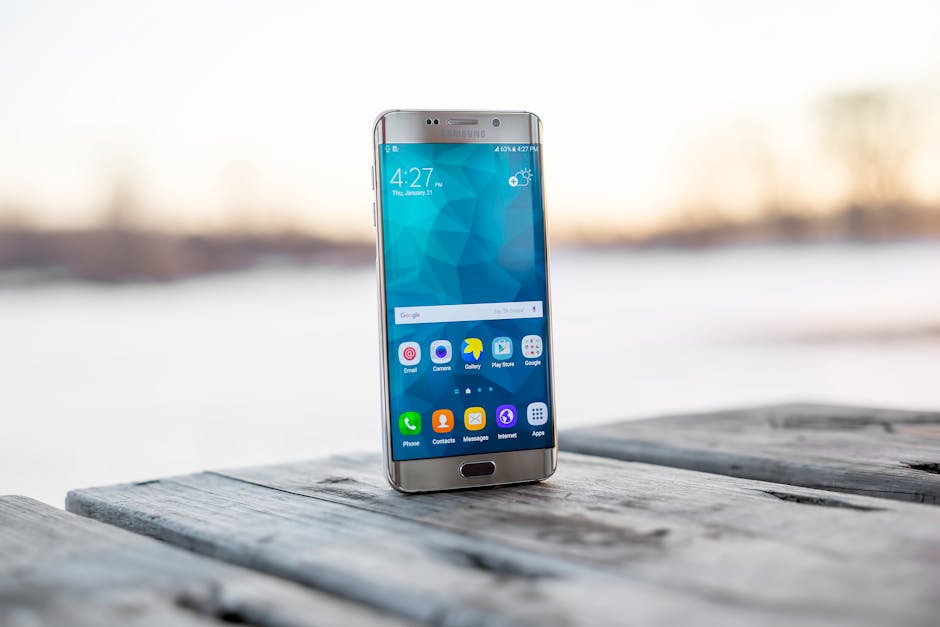
Why You Should Turn on "Flight Mode" When You Need Your Phone to Charge Twice as Fast
I spent an hour plugged into the wall of a hotel conference room in a basement and gained eleven percent. Eleven. I had a two-hour drive afterward that I needed navigation for, and I sat there watching a number crawl while a talk about supply chains happened somewhere behind me.
The charger was mine, the cable was mine, and both of them were fine at home. What was different was the basement: no signal down there, which meant my phone had spent the entire hour screaming into a concrete void at full transmit power looking for a tower it was never going to find.
Flight mode would have fixed most of that. But I want to be straight with you from the top, because the version of this tip you usually see oversells it: flight mode alone is not going to double your charging speed in a normal room. Three other things do far more, and one of them is probably sitting in a drawer in your house right now.
What's actually competing for the power
Charging is a race between energy going into the battery and energy being spent by the phone. Anything running while you charge eats into the surplus.
The cellular radio is the biggest of those, and, this is the part that matters, its consumption isn't fixed. In good signal, a phone transmits at low power because it barely needs to shout. In weak signal, it ramps toward maximum output and keeps retrying, which is why a phone in a basement, on a train, or in a rural dead zone gets hot and flattens itself. Wi-Fi, Bluetooth, GPS and background syncing all add smaller amounts on top.
The other brake is heat. Phones deliberately slow charging when they get warm, because pushing current into a hot lithium battery damages it. So a phone that's warm from a fast charger, a thick case and its own radios will throttle itself, and you'll sit there wondering why "fast charging" isn't.
Honest expectations: in a weak-signal spot, flight mode is a genuinely large win. In a normal room with good signal, it's a modest one. The doubling comes from step one.
Step 1: Look at what you're actually plugging into
Check the wattage printed on your charging brick and whether your cable supports fast charging. This is where the real multiple lives. An old 5W brick from a phone you owned in 2016 will charge a modern handset roughly a quarter as fast as the 20 to 30W charger it was designed for, and most people have no idea which one they grabbed. Cables matter too: plenty of cheap ones carry data fine and current badly. One decent brick and one decent cable is genuinely the difference between an hour and twenty minutes.
Step 2: Switch flight mode on, and know what you're giving up
Turn on flight mode and leave it on for the charging window. It shuts down cellular, Wi-Fi and Bluetooth in one tap, which stops every radio in the phone from drawing power. What you lose is real: no calls, no messages, no internet. Alarms still work, and so does anything already downloaded. Don't do this if you're waiting on a call from someone, and set a timer so you actually remember to turn it back on: I have missed things this way.

My Expert Tip: Flight mode is a weak-signal trick, not an everywhere trick. A phone with one bar of service is running its transmitter near full power and retrying constantly, so switching the radio off frees up a meaningful chunk of power: that's the basement, the train, the rural cottage, the underground parking garage. Sitting at home next to your router with full bars, the same toggle saves you very little, because the radio was barely working. If you only ever remember one thing from this article, make it this: check your signal bars before you bother. Weak signal, flight mode is your best move. Strong signal, go straight to the charger and the case.
Step 3: Put the phone down and let the screen go off
Don't use it while it charges: the display is typically the single largest consumer of power in the whole device. Scrolling through video on a bright screen while plugged in can eat most of what the charger is delivering, which is why a phone sometimes charges at a crawl or even loses ground while you're watching something. Face down, screen off, left alone. This costs nothing and consistently does more than flight mode does.

Step 4: Take the case off and keep it cool
Pull off the case, take it off the bed or sofa, and put it on a hard cool surface. Thick cases trap heat, soft surfaces insulate, and a warm phone throttles its own charging to protect the battery. This is the least-known brake on charging speed and one of the easiest to remove. Direct sunlight on a windowsill is the worst possible place, however convenient the outlet is.

Step 5: Charge from a wall outlet, not a port of convenience
Use a wall socket rather than a laptop USB port, a car socket, an airport seat-back, or a hotel lamp. Those ports are frequently limited to a trickle, and some are so slow that a phone in use won't gain anything at all. If you're travelling and dependent on one, that's exactly the moment flight mode earns its keep, because the supply side is capped and the only lever you have left is the demand side.
Step 6: Expect the last 20% to be slow, and that's fine
Aim for 50 or 80% if you're in a hurry, not 100. Charging isn't linear by design: the first half goes in quickly and the top end is deliberately slowed to protect the cell. Waiting for the final 15% can take as long as the first 50 did, so if you've got twenty minutes before you leave, take what you get and go. For the same reason, overnight optimized charging is worth leaving switched on: it's a battery-health feature, not a bug, and fast charging is best saved for when you actually need the speed.

What the whole stack is worth
Doing all of it, proper charger, flight mode, screen off, case off, wall socket, I get roughly 0 to 55% in half an hour, where my basement hour got me 11%. That's the honest headline, and flight mode is maybe a fifth of it. The charger and the heat are the rest.
Where flight mode genuinely shines is the situation I was in: bad signal, limited time, and no ability to change the outlet. On a train, in a basement, in a hotel room with one bar, it's the best lever you've got, and it's free.
The other thing I'd say is to stop carrying the old brick. I found three 5W chargers in my house when I went looking, all of them in the places I charge most often, all of them quietly doubling how long everything took.
Go find the charging brick you use most and read the wattage printed on it: then hit the share buttons below and send this to the friend who's always plugged into something and always at 20%.